In the cloud
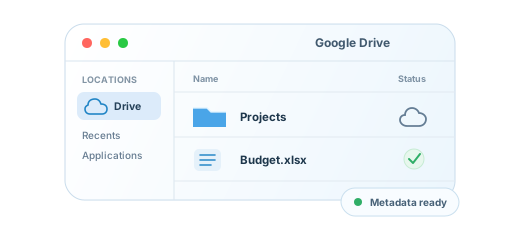
Visible without occupying local space
Built for macOS
Cloud storage that feels like a native part of macOS — files in Finder, downloads on demand, and no full mirrored copy. Not another sync client.
 Google Drive available now
The native route
Harbor connects cloud storage to macOS instead of replacing the way you manage files.
Visible without occupying local space
Fetched when you open it
Ready for the app that requested it
Files on demand
Harbor shows remote files in Finder without downloading everything first. Open a file and macOS fetches the local copy.
Quiet until useful
These are the four places Harbor helps when something needs your attention.
Know which file uploaded, downloaded, moved, or failed.
Expired sign-in, conflicts, and retries appear in one focused view.
Confirm account health without opening the full app.
Diagnostics explain the connection and offer a direct recovery action.
File history
Built for the system
Harbor uses Apple’s File Provider framework. Google Drive is available in the current beta; user-controlled offline pinning and additional providers are planned.
Local metadata keeps Finder responsive.
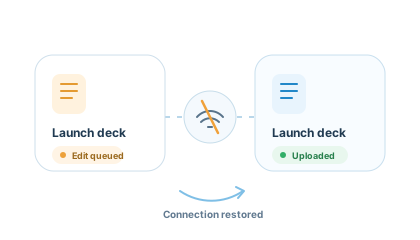
Queued changes resume when you reconnect.
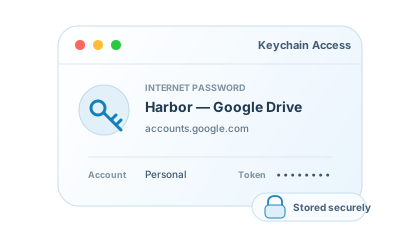
Google credentials stay in macOS Keychain.
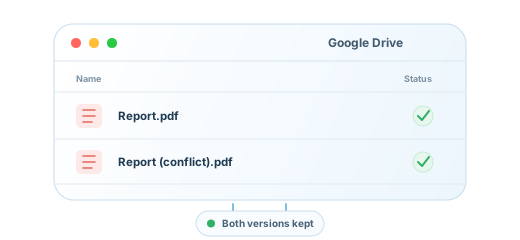
Conflicting edits remain as separate files.
Provider roadmap
Google Drive connects today. More storage providers are designed to plug into the same native Finder experience.
Available in beta

Coming soon
Coming soon

Coming soon
Coming soon
Coming soon
Harbor for macOS
Cloud drives, native to Finder. Start with Google Drive in the Harbor beta.
Join the beta formacOSGoogle Drive available now